Happy 2024! Before we dive into the new year, we have a final monthly update on how we closed 2023 on a strong note.
Codeium Wrapped
It is always fun to reflect on the year and see what we achieved, and we wanted to make it easy for you to do so too! If you go to Codeium Wrapped, you will get an easy-to-share summary of your coding patterns and Codeium statistics. Here’s to hoping 2024 blows these numbers out of the water.
SOC2 Type 2 Compliance
It is incredibly important to us to maintain the highest security and compliance requirements so that we can be a tool that you can trust. While many of our competitors do not even have a single third party certification, we now have SOC 2 Type 2 compliance, which means that a third party auditor has verified that we consistently pass all security and compliance risk checks.
@terminal Mentions
You can now get Codeium to explain errors or sift through long logs within your IDE by simply mentioning @terminal in the chat panel. This will pull in your terminal history and outputs to use as context for the chat messages automatically so that you do not have to manually copy-and-paste the text to the chat panel.
VisualStudio, JetBrains Plugins Open Sourced
We often have community members asking to help contribute on some of our bigger extensions, so we have open sourced both our Visual Studio and JetBrains extensions and are actively accepting changes. If you become an active contributor on any of our extensions, we will also give you a special “Contributor” role in our Discord!
Chat User Settings
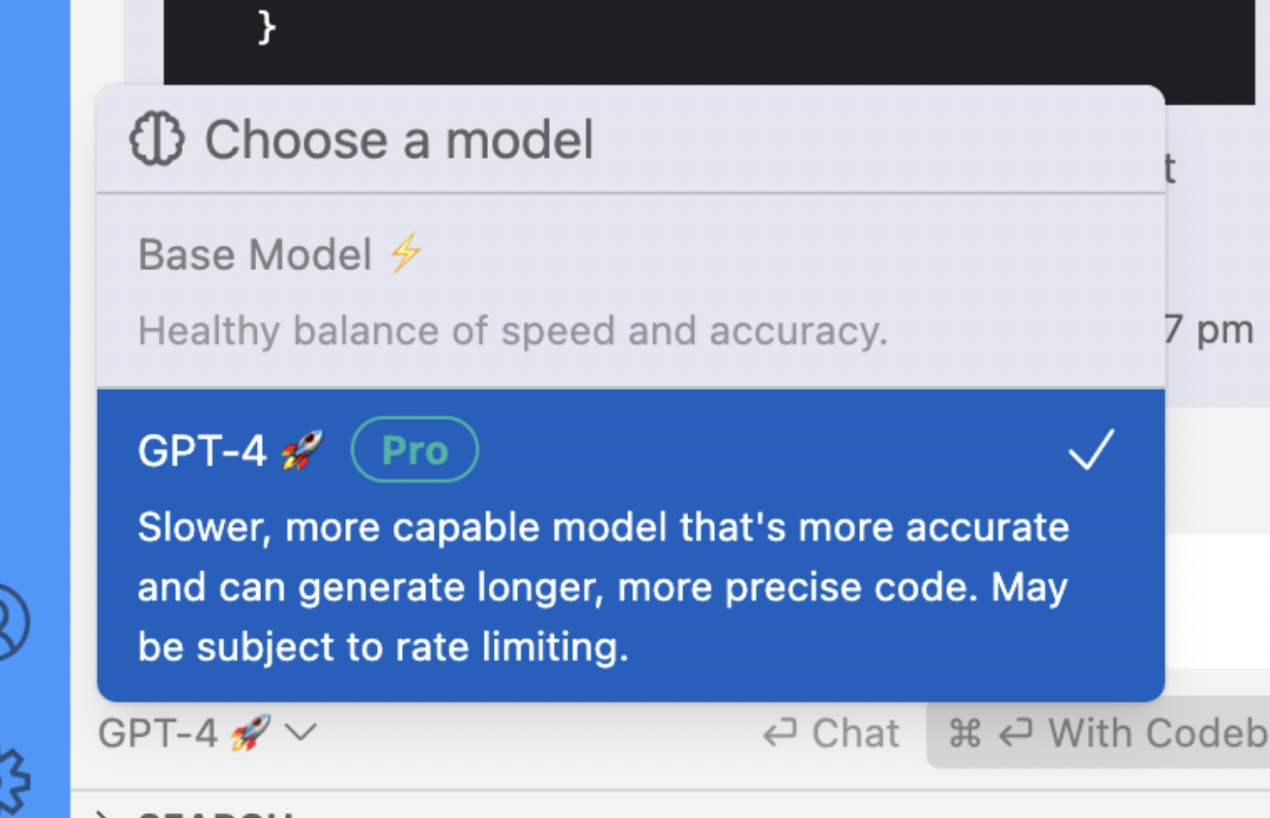
It seems like every month we improve the Chat user experience even more. In December, we introduced both sticky model selection for GPT4 and chat panel history defaults. For sticky model selection, users who have access to GPT-4 (all Teams users and privileged free users) are now able to choose which model they chat with. The model selection is now cached between sessions so if you choose GPT4 once, it will be your default going forward until you specify otherwise.
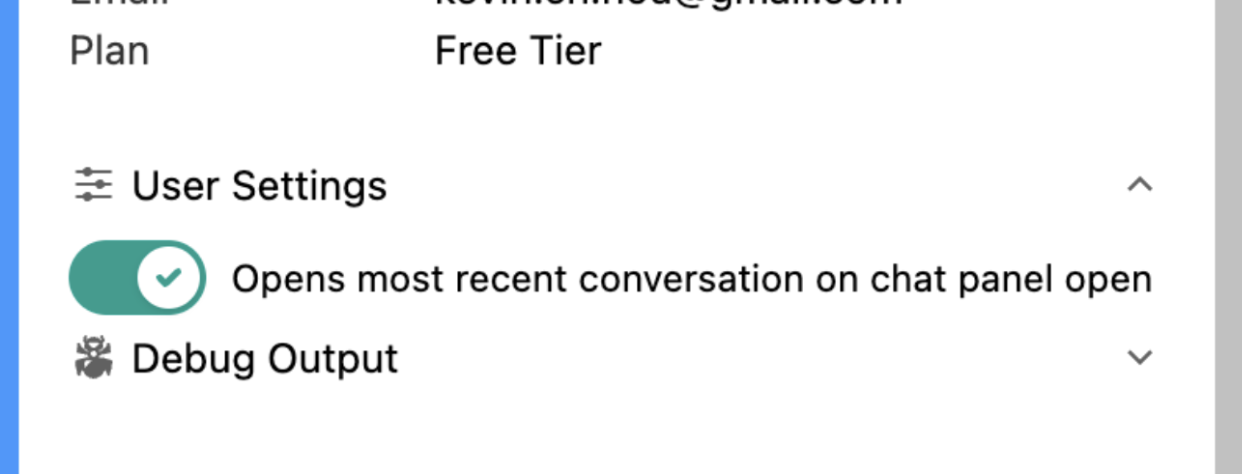
For chat panel history, users now have a setting to choose whether they want the Codeium Chat panel to open to their most recent conversation or an entirely new conversation. The default setting is to open to the most recent conversation. This can be changed at any time.
Content
If you missed any of the content from or about Codeium in the last month, check them out!
- Characters per Opportunity and Percent Code Written: Metrics that we use to benchmark and determine value of Codeium.
- @ mentions: A run down on all the ways you can use the
@special character to pull in context to Chat. - Human Tool Interface: How we think about how tools such as Codeium complement humans.
- Perspective on Last Month: Our takes on GitHub Universe, the OpenAI Saga, and AWS re:Invent
2023 was a very exciting year for us, and the community of Codeium users grew over 300x. Our ability to continue to develop the product is reliant on your usage and feedback, so we appreciate everything so far and are looking forward to an incredible 2024.