June was all about pushing Windsurf beyond the editor — into long-term planning, into the browser, and into more parts of the development journey. With Planning Mode and the Windsurf Browser, you and your AI are no longer just collaborating. You’re thinking together. And with stronger support for global teams, better metrics for measuring impact, and a smoother experience across the board, the overall platform is growing up fast.
Major Launches & Announcements
Planning Mode
We introduced Planning Mode - a new way to collaborate with Cascade on long-term goals. Now, when you toggle on Planning Mode in Cascade, it generates and maintains a live markdown file of your goals and tasks. You and the agent can edit the plan at any time, and Cascade will adapt its actions accordingly.
If you’re curious about how to use Planning Mode, check out the Docs. And if you want to dig into the thinking behind it, we’ve written about the theory here.
Windsurf Browser
We launched the Windsurf Browser - a full-featured browser with native AI integration and deep flow awareness. It closes a major surface gap by bringing browser activity into your shared timeline, meaning Cascade can now reason with what you see and do in the browser, just like it does in your IDE or terminal.
If you want to learn more about the Windsurf Browser, feel free to check out our docs.
UX Upgrades
Even as we roll out new platforms and features, we’re constantly polishing the experience. In June, we added:
- Searchable past conversations without leaving the current one
- Better file citations and at-mentions with icons and inline clarity
- Themed code blocks to match your Windsurf Editor settings
- Retired Legacy mode, since everyone has moved to Chat and Write
You can read more about the full set of UX upgrades from Wave 10 in the blog post here.
Enterprise Updates
Europe Cluster
We launched a new datacenter in Frankfurt to support our European enterprise customers. All data processing and retention stays fully within EU borders, with Germany-based model inference and the same agentic capabilities as our core US cluster.
Cascade in PCW
PCW (Percentage of Code Written) is one of our most trusted org-level metrics. Until now, it measured only passive Tab contributions. With this Wave, it now includes Cascade’s active edits too, giving teams a more complete picture of where AI is adding value in the dev workflow.
You can read more about how PCW works and how to interpret it here.
Jetbrains Plugin Enhancements
- Cascade Enhancements and Toolbar - The new Cascade Bar makes it easier to navigate diffs, review changes, and manage terminal commands. You can now accept or reject all changes with one click.
- Android Studio Support (Beta) - Cascade now opens natively inside Android Studio, no browser window required. Integration stability has also been improved significantly.
- Drag and Drop Context - You can now drag and drop any file from your File Explorer directly into Cascade as context. Works with all file types, across all plans.
- Model Selection + Admin Controls - Windsurf Command now supports a model dropdown, and Teams admins can restrict which models are available to their org.
- SWE-1 Model Improvements - SWE-1 now supports multimodal (image) input in the JetBrains plugin.
- Manual Auth Token Input - You can now paste in your Windsurf authentication token directly from the widget or via the “Provide Auth Token” action.
Windsurf University
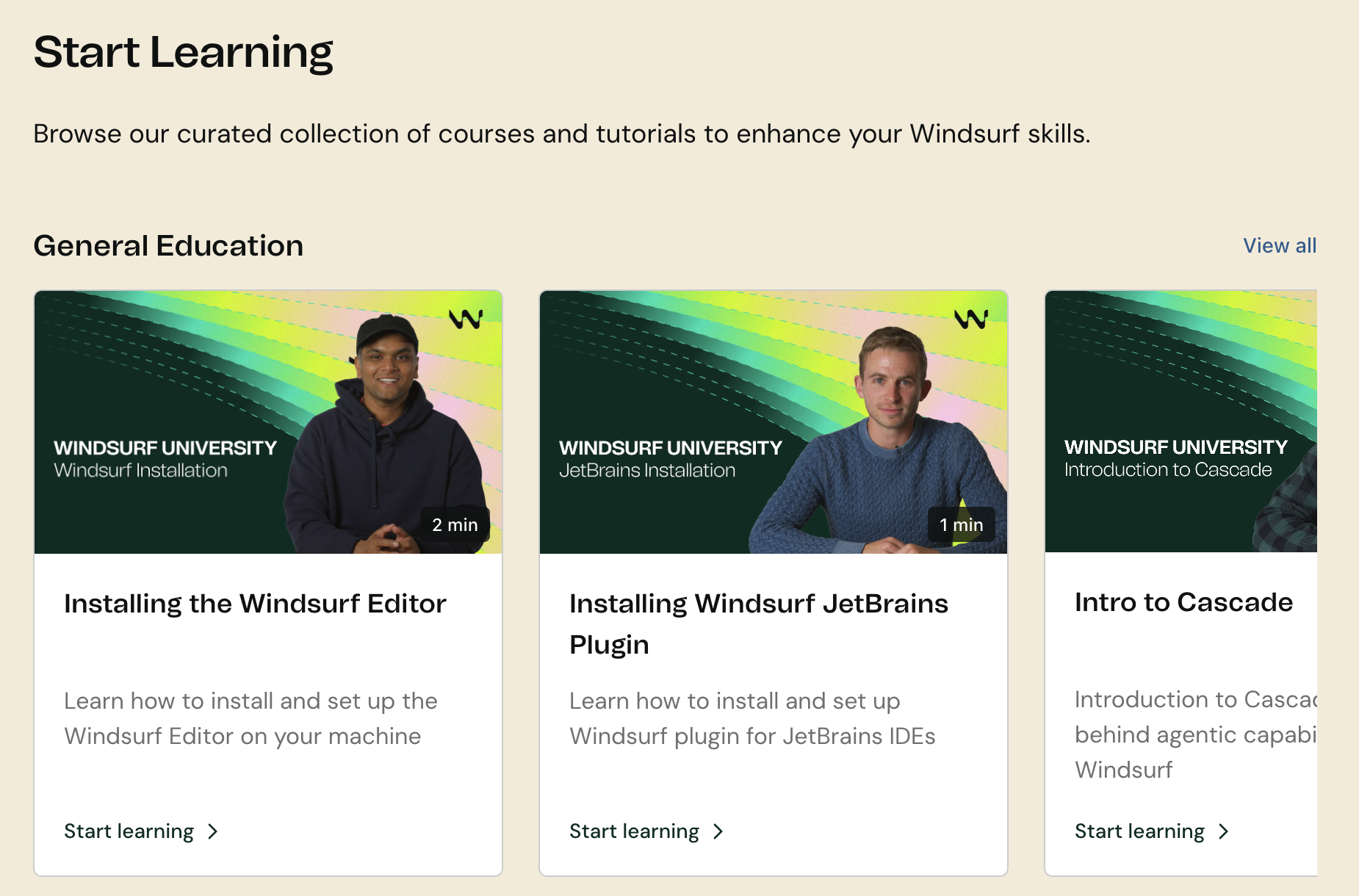
We’ve launched Windsurf University – a new learning hub with quick tutorials and walkthroughs to help you get the most out of Windsurf. Courses are short, focused, and constantly growing. You can start learning here.
Looking Ahead
June was a big step forward in extending Windsurf’s reach. Planning Mode and the Browser added entirely new surfaces to the shared timeline, while infrastructure like the Europe cluster and metrics like PCW made our platform more powerful for organizations.
Surf’s up. 🌊